




Remote control guide
The only thing you need
to light the room.
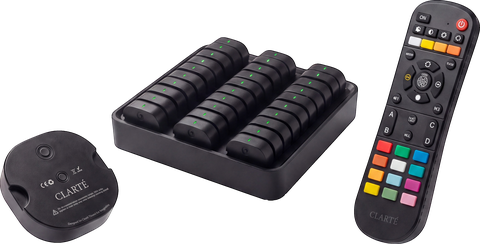
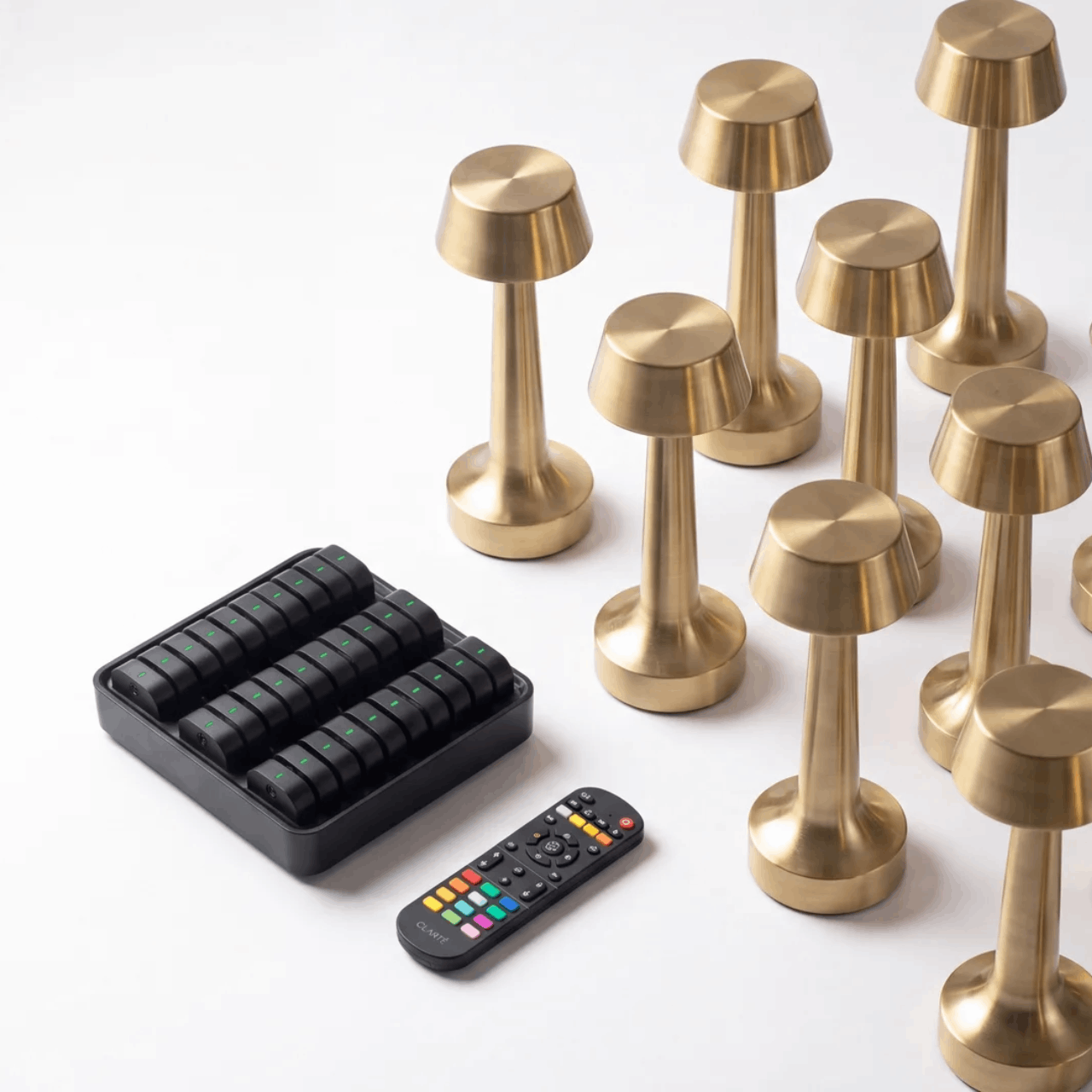
Your remote pairs with any Clarté PRO lamp in ten seconds. Watch it happen below, then explore every button.
1 Hold ON on the remote
2 Switch the lamp on while holding
3 Lamp flashes three times
ON
The ON button on your remote
Interactive
Every button, explained by the lamp itself.
Take the short tour first. During the tour the remote is locked; afterwards, tap any button and its explanation appears next to the lamp.

The remote, explained
Take the tour, or tap any button and its explanation appears here.
For the whole room
Four zones, one remote.
Assign each lamp to a zone and control an entire section of your venue at once.
A
Assign to a zone
With the lamp on, hold A, B, C or D for three seconds. Three flashes means the lamp now belongs to that zone.
⌂
Control a section
Press a zone button first, then dim or adjust warmth. Only the lamps in that zone respond.
∞
Or everything at once
Press ALL and every paired lamp on the floor follows the same command. One press, one atmosphere.
Good to know
Quick answers.
The remote is not responding
Two fresh batteries came in the box with this card. Slide open the back of the remote and replace them. If it still does not respond, re-pair the lamp: hold ON on the remote and switch the lamp on while you hold it.
How do I unpair a lamp?
Make sure the lamp is on, then hold OFF for three seconds. Three flashes confirm the lamp has been released from the remote.
Can I save my favourite setting?
Yes. Set the brightness and warmth you love, then hold M1 or M2 to store it. A short press recalls it any evening after.
What does the timer do?
One press of TIMER sets an automatic rhythm: eight hours on, sixteen hours off, every day. Your lamps follow service hours without anyone touching them.
One remote, how many lamps?
As many as you like. Every Clarté PRO lamp within range can join one of the four groups. Most venues run an entire floor from a single remote at the pass.
Step 1 of 9
Anything unclear?
Message us on WhatsApp and you will speak to a person who knows your order, not a chatbot.
WhatsApp us